Deploy on Fly.io
Introduction
Fly.io is a platform for running full-stack apps and databases close to your users. It also provides custom domain configuration and free SSL via the CLI.
Requirements
Deploy an Authorizer Instance
Step 1: Login to Fly.io
flyctl auth login
Step 2: Create Fly.io app
mkdir authorizer-fly
cd authorizer-fly
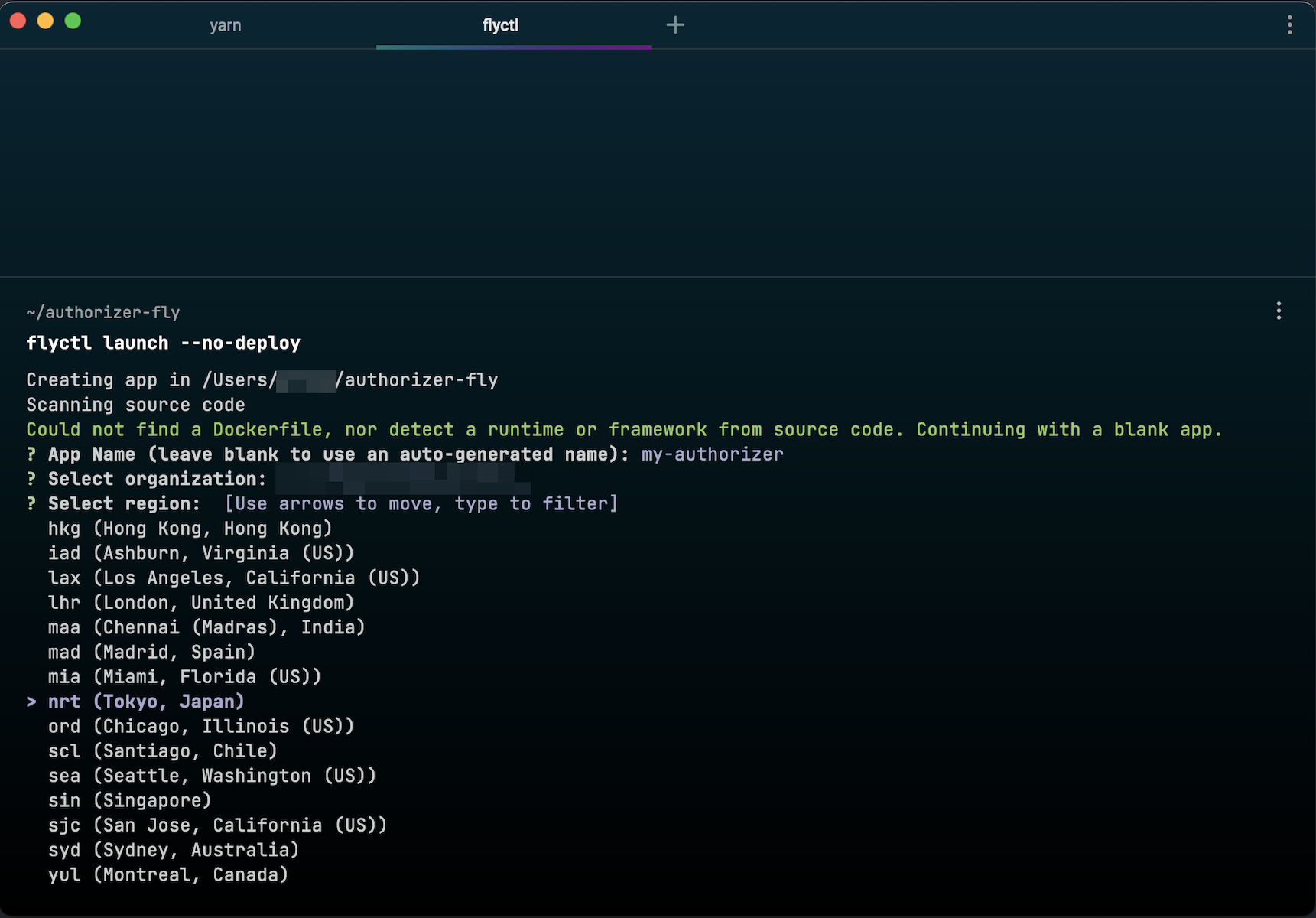
flyctl launch --no-deploy
Follow the wizard to set the application name, region, etc.
Step 3: Setup Postgres instance
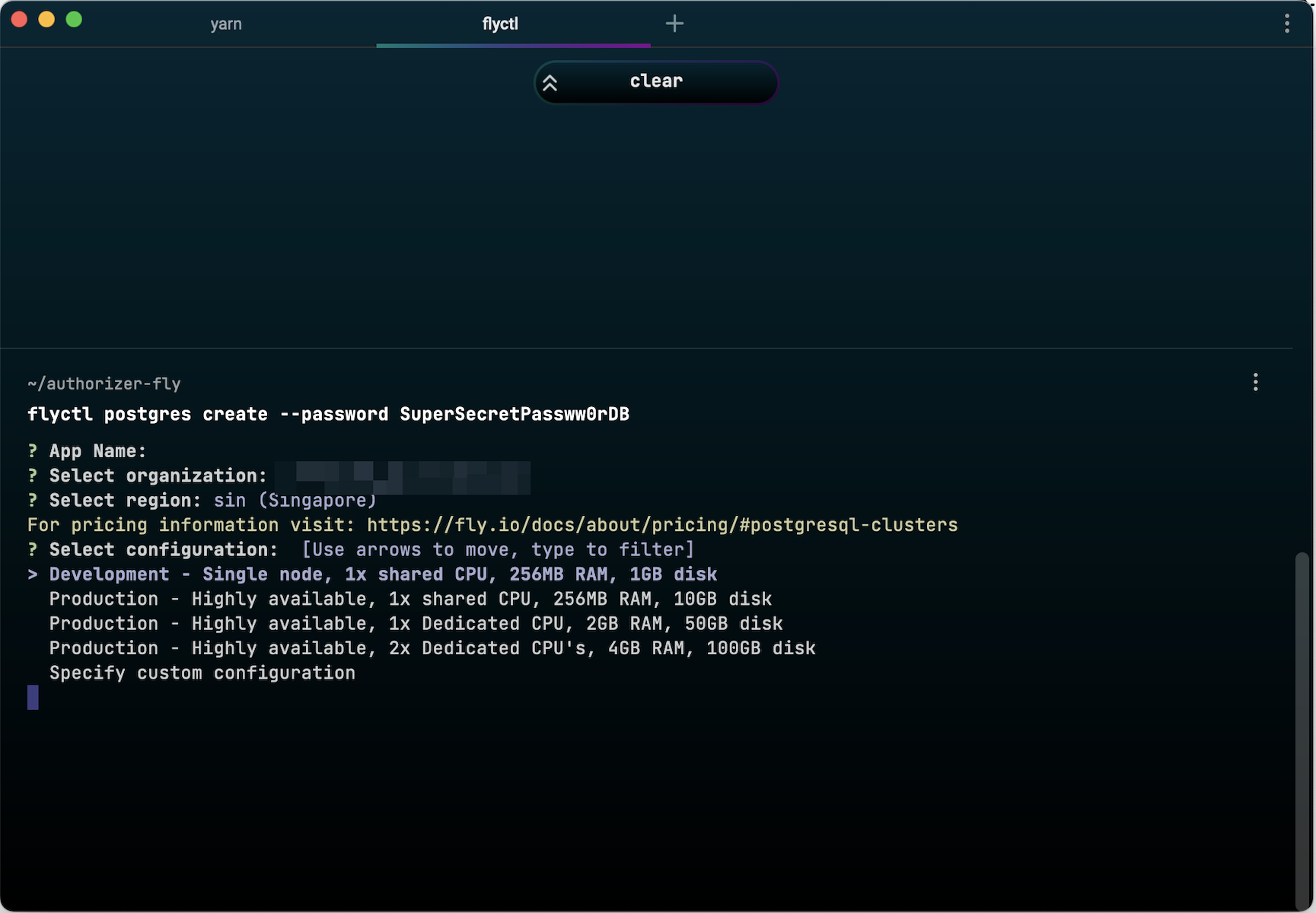
flyctl postgres create --password <YOUR_SECURE_DATABASE_PASSWORD>
Choose Development configuration for a free instance.
Attach Postgres to your app:
flyctl postgres attach <POSTGRES_APP_NAME>
Step 4: Setup Redis instance (optional)
Follow the official Redis documentation.
Step 5: Configure fly.toml
app = "authorizer"
kill_signal = "SIGINT"
kill_timeout = 5
processes = []

[build]
image = "quay.io/authorizer/authorizer:latest"

[experimental]
cmd = [
  "./authorizer",
  "--database-type=postgres",
  "--database-url=postgres://user:pass@localhost:5432/authorizer",
  "--url=https://authorizer.fly.dev",
  "--jwt-type=HS256",
  "--jwt-secret=test",
  "--encryption-key=$ENCRYPTION_KEY",
  "--admin-secret=admin",
  "--client-id=123456",
  "--client-secret=secret"
]
private_network = true
auto_rollback = true

[env]
  PORT = "8080"

[[services]]
  internal_port = 8080
  processes = ["app"]
  protocol = "tcp"

  [services.concurrency]
    type = "connections"
    hard_limit = 25
    soft_limit = 20

  [[services.ports]]
    force_https = true
    handlers = ["http"]
    port = 80

  [[services.ports]]
    handlers = ["tls", "http"]
    port = 443

  [[services.tcp_checks]]
    grace_period = "1s"
    interval = "15s"
    restart_limit = 0
    timeout = "2s"
Step 6: Configure secrets
flyctl secrets set \
    DATABASE_TYPE="postgres" \
    JWT_TYPE="HS256" \
    JWT_SECRET="your-jwt-secret" \
    ENCRYPTION_KEY="your-encryption-key" \
    ADMIN_SECRET="your-admin-secret" \
    CLIENT_ID="123456" \
    CLIENT_SECRET="secret" \
    SMTP_HOST="smtp.example.com" \
    SMTP_PORT="587" \
    SMTP_USERNAME="user@example.com" \
    SMTP_PASSWORD="strong-password" \
    SMTP_SENDER_EMAIL="auth@example.com"
Then update the cmd in fly.toml to reference secrets as env vars passed to CLI flags.
Step 7: Deploy
flyctl deploy
Check logs:
flyctl logs
Update Instance
Redeploy with flyctl deploy inside the directory containing fly.toml.
Custom Domain and SSL
See the Fly.io custom domain docs.